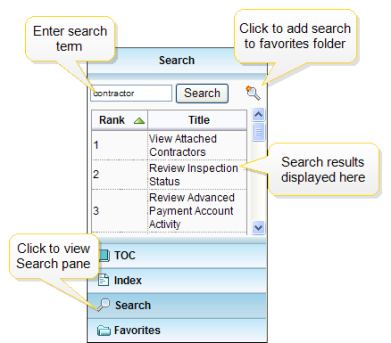
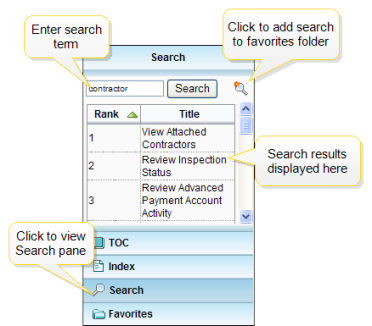
To conduct a search using the navigation pane:
- Enter the term or topic name you are looking for in the Search text box.
- Then, click the Search button. All instances of the term or topic will be displayed as Search Results. The terms are ranked according to number of instances the term appears in each topic. You can sort the results by Rank (ascending or descending) or by Title (ascending or descending, alphabetically).
- Click on the heading to sort by either of these methods.
- Click on the Search Result entry to navigate to a topic referencing the searched text. Each occurrence of the searched text will be highlighted throughout each topic.